Test & Validate
Postman CLI
The Postman CLI is a command-line tool that runs Postman collections and tests in your terminal, CI/CD pipeline, or coding agent, so a failing API test stops a release before it ships.
Install for your agents
Equip your agents with pre-built skills
Drop the Postman CLI into your coding agent: postman init loads Postman's agent skills so it can run collections, tests, and API workflows without leaving your editor. Run postman skills status to keep skills current.
Marketplace
get the Postman plugin
claude plugin marketplace add anthropics/claude-plugins-officialclaude plugin install postman@claude-plugins-official
api-discovery
Find and reuse the APIs already in your org

api-testing
Generate request collections and assertions that catch regressions

api-mocking
Spin up a mock server before the API exists

api-monitoring
Watch live endpoints for uptime and drift

ci-integration
Run collection and governance checks on every commit

performance-testing
Simulate real-world load to surface bottlenecks
Try these prompts
Trusted by teams at






Bring API workflows into your CI/CD pipeline
Pipeline-native testing
Run your Postman collections anywhere your CI/CD pipeline runs without having to maintain separate test infrastructure.
Automated quality gates
Block releases when API tests fail with pipeline-aware exit codes, so a failing test stops the release before it ships.
Always in sync
The Postman CLI pulls the latest collections and environments from Postman automatically so your pipeline always tests the current version.
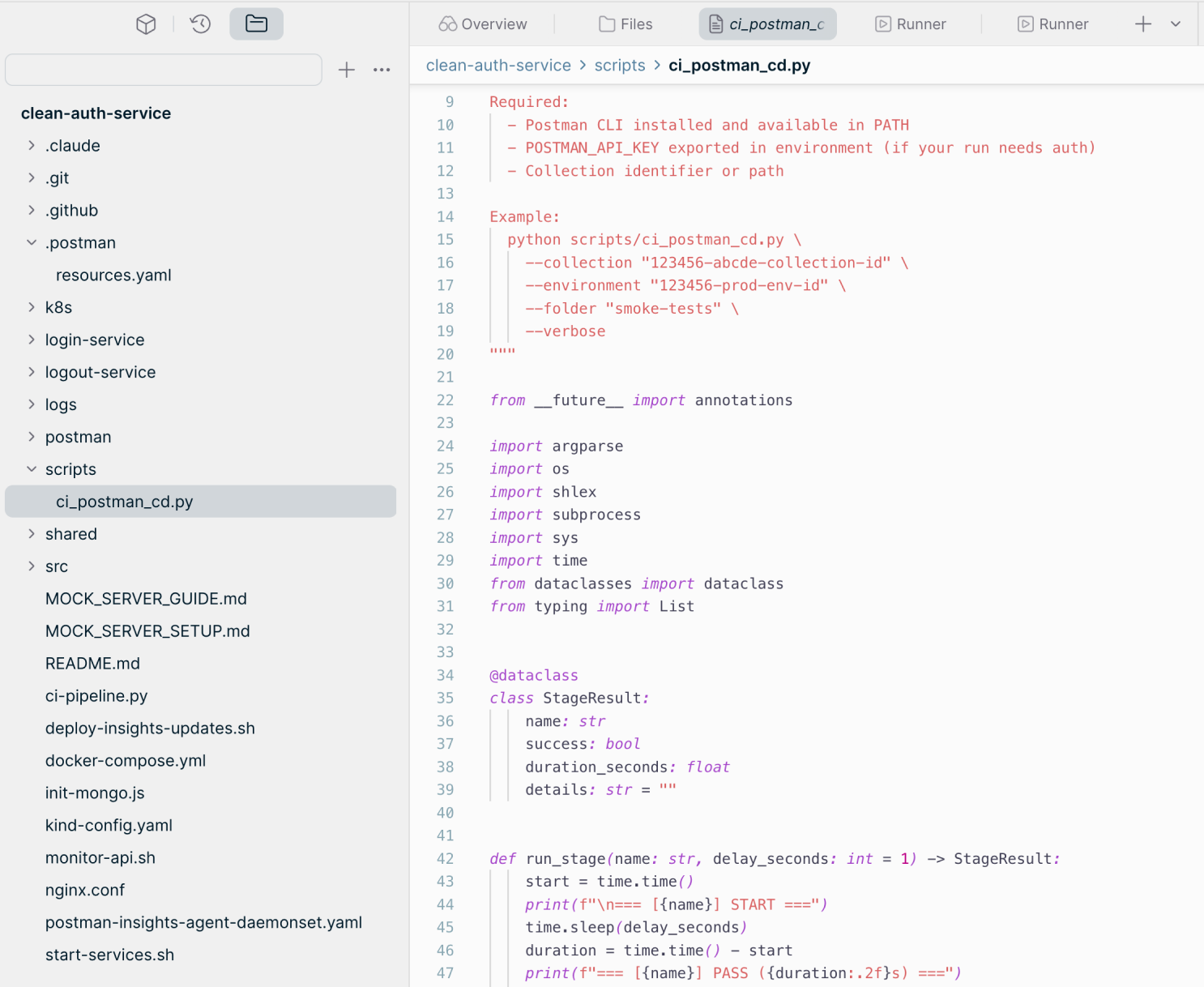
Generate scripts with Postman AI. Run them in CI/CD.
Postman AI writes test scripts that the Postman CLI then runs in your CI/CD pipeline, such as a GitHub Actions workflow.
With Postman, teams have seen a significant increase in developer productivity facilitated by automation. Plus the visibility it gives our teams makes it easier to spot integration issues early and catch errors before they reach the user experience."Kirti Kulkarni, Senior Principal Architect, Sling TV


Frequently asked questions about the Postman CLI
What is the Postman CLI?
The Postman CLI is Postman's official, signed command-line tool for running and managing collections, specifications, mocks, and other Postman elements from your terminal, a coding agent, or a CI/CD pipeline. It's also bundled with the Postman desktop app.
How is the Postman CLI different from Newman?
The Postman CLI is actively developed; Newman is no longer maintained. Newman only runs collections and only supports the v2.1 JSON collection format, so it can't run v3 collections from Postman v12 and later. The Postman CLI supports all collection formats, including the v3 YAML format required for Native Git, and also works with monitors, mock servers, and flows. To switch, follow the Newman to Postman CLI migration guide.
How do I install the Postman CLI?
Install the Postman CLI with npm (npm install -g postman-cli), with the install script for macOS, Linux, and WSL, or with the PowerShell script for Windows. The Postman CLI supports the same operating systems as the Postman desktop app, except Alpine Linux. The Postman CLI installation guide lists every command.
Do I need a Postman account or API key to use the Postman CLI?
Not always. You can sign in with postman login, or run postman init to set up a project without an account. Commands that access the Postman Cloud need a valid Postman API key; commands that work on local files don't.
Which Postman plans include the Postman CLI?
Availability of some Postman CLI commands depends on your Postman plan. Compare what each plan includes on the Postman pricing page.
Can I run the Postman CLI in a CI/CD pipeline?
Yes. The Postman CLI runs in CI/CD pipelines and returns exit codes that can block a release when API tests fail. On GitHub, the Postman CLI GitHub Action runs Postman CLI commands in your workflows without a custom action, including collection runs, monitors, syntax checks, and governance validation.
How do coding agents use the Postman CLI?
Run postman init to load Postman's agent skills, such as api-testing and api-mocking, into your coding agent. The agent can then create collections, add tests, and run them from the terminal. Run postman skills status to keep skills current.
What report formats does the Postman CLI support?
The Postman CLI has built-in CLI, JSON, JUnit, and HTML reporters for collection runs. The Postman CLI reporters guide covers the options for each.
RESOURCES
Go deeper with API testing using the Postman CLI


Watch a demo and talk to a Postman expert
Watch a demo, then talk to a Postman expert about how the Postman CLI can help your organization run API tests in every pipeline, gate deployments on results, and keep your APIs production-ready.